







What is Binoloop?
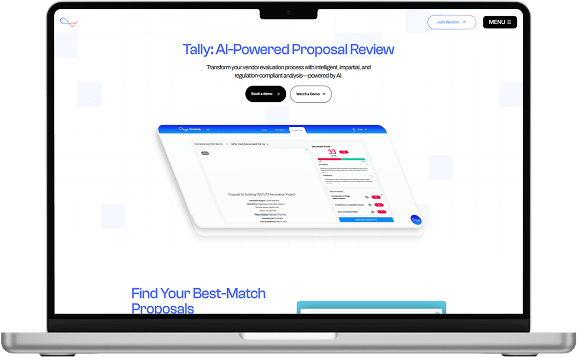
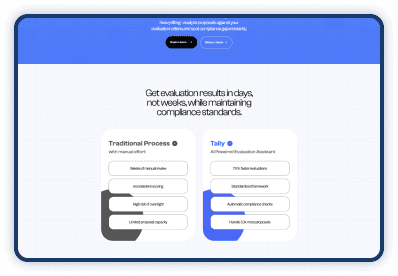
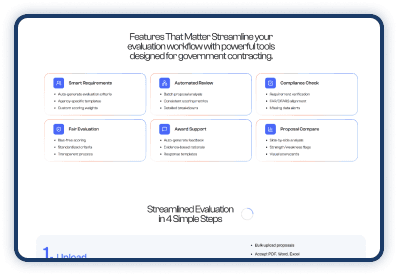
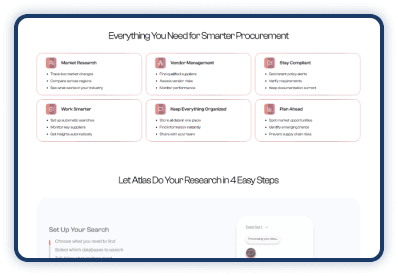
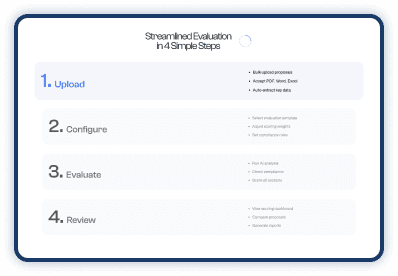
Binoloop is a sleek and modern AI product landing website crafted to showcase powerful features with elegance and clarity. Spread across four seamless pages — Home, Product, Company, and Contact Us — each section is thoughtfully designed with rich UI elements, smooth animations, and an intuitive layout that brings your AI solution to life. The platform supports two types of assessments — document and video — and generates detailed reports with categorized insights and performance scores, making it ideal for intelligent evaluation at scale. From highlighting cutting-edge use cases to telling your brand story, Binoloop ensures an engaging experience that keeps visitors informed and inspired. Whether you’re presenting complex AI capabilities or simply building trust, Binoloop combines beauty and function to deliver your message with impact.
Technology
ReactJS, NodeJS, AI – ML
Production URL

List of App Features
Landing Website
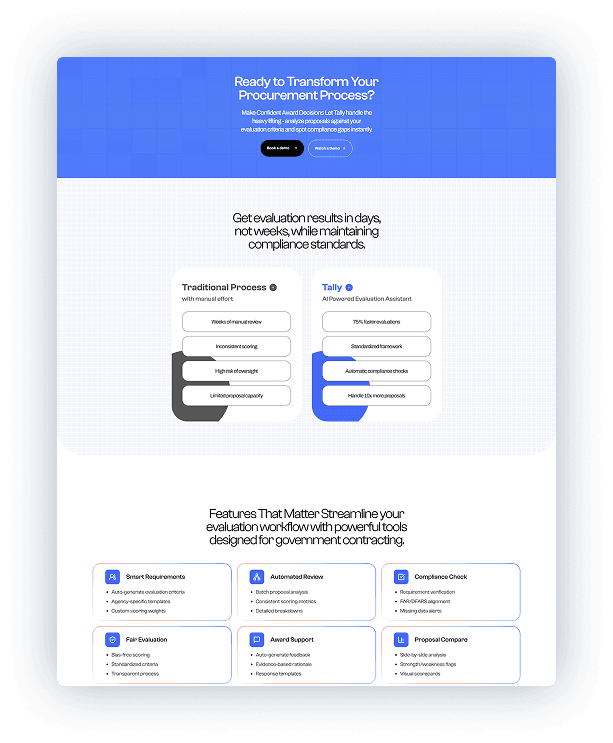
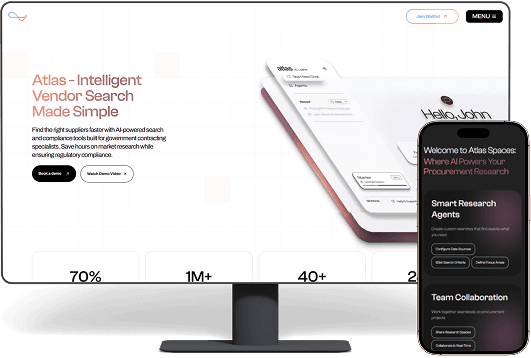
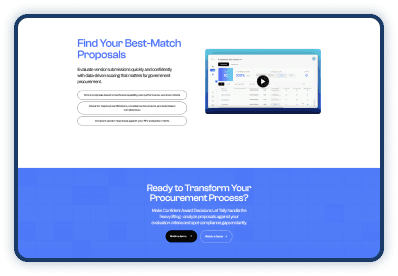
The website includes dedicated pages for Home, Product, Company, and Contact Us, each designed with smooth animations, rich UI, and intuitive layouts. The Home and Product pages feature engaging elements such as feature cards, detailed use cases, pricing sections, and interactive effects, while the Company and Contact pages offer animated sections, leadership highlights, and a clean, user-friendly inquiry form.
Authentication & Sharing
Secure login is supported with 2FA and Google Sign-In, along with the ability to share projects with multiple users for seamless collaboration. The project dashboard provides quick access to recent projects directly on the homepage, while the main dashboard tab displays key stats such as total documents, submission quality, and shortlisted interviews. It also includes a filterable and sortable table for document-level evaluations, and a convenient sidebar for quick navigation between pages.
Document Assessment
The interface includes a document preview panel with like, dislike, delete, and document-switching options. Users can view a Snapshot tab that presents the overall score, summary, and key feedback, while the Chat tab allows document-specific queries. Additional tabs such as Document Properties and Comments provide extended information and note-taking space. The Assessment Results tab displays category-wise scores with justifications, and the Rating Scale tab offers a detailed scoring breakdown for complete evaluation transparency.
Video Assessment
The interview assessment interface follows the same familiar layout as the document assessment for a consistent user experience. It includes an auto-generated Transcript tab sourced from the video content, along with Snapshot, Chat, Properties, and Comment tabs for contextual insights. The Assessment Results and Rating Scale tabs mirror the structure used in the document evaluation section, ensuring uniformity across modules. Users also have the option to download a detailed PDF report of the complete assessment.

Technology Stack
 Node Js
 React JS
 HTML5/CSS
 MySQL
MySQL
Real examples of tech making business better










Let’s Build Something Super
Great ideas need the right tech heroes to back them Fill the form and let our super devs make it real
Want to power up your project?Team up with IT Path Solutions and schedule your power call today